



The Ultimate Guide
How to Create a Vision Board: The Complete 2026 Guide
A vision board is one of the most powerful visualization tools for achieving your goals. In this comprehensive guide, you'll learn exactly how to create one that actually works.
Quick Answer
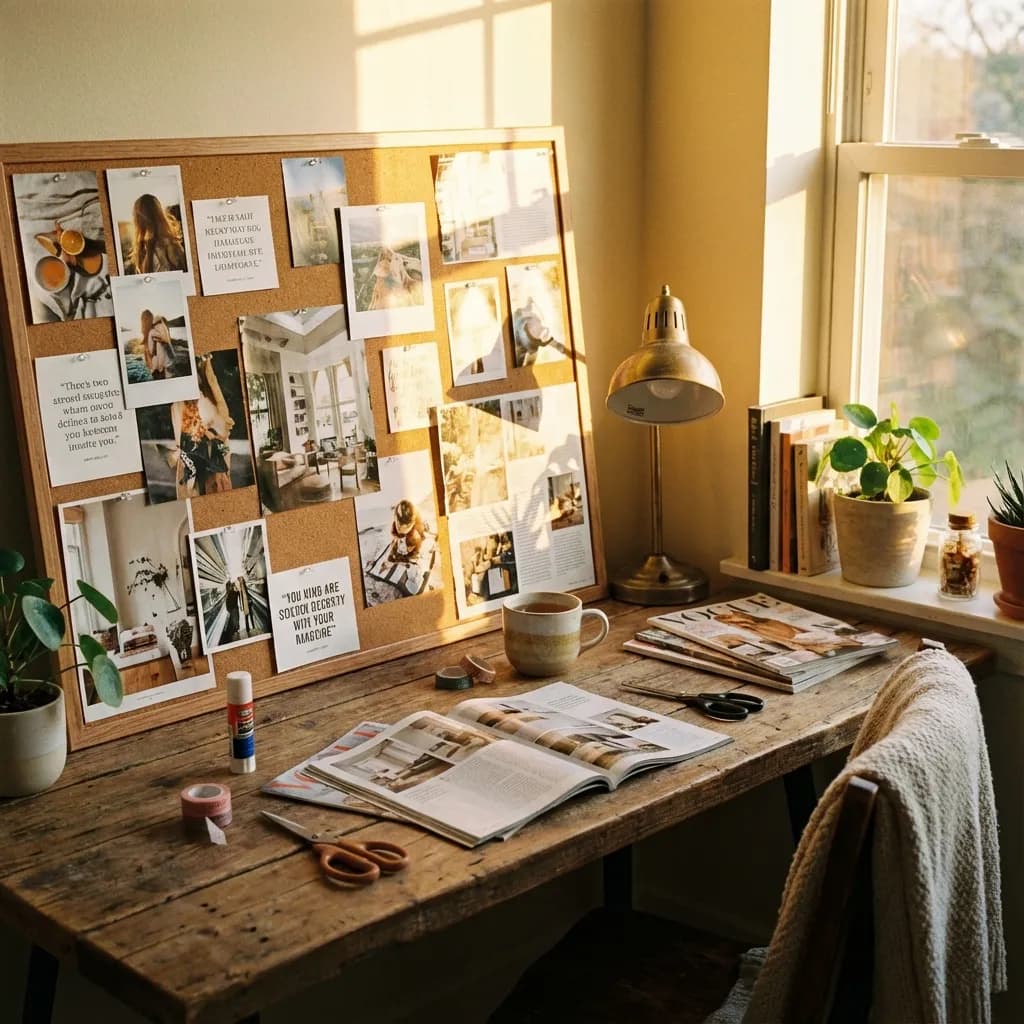
To create a vision board: (1) Define your core goals. (2) Choose 3-5 life categories. (3) Gather images (magazines, Pinterest, or AI). (4) Add power words/affirmations. (5) Arrange with your #1 goal in the center. (6) Place it where you see it daily.
1Define Your Vision
Before gathering images, spend 15-30 minutes in quiet reflection. Ask yourself:
- What does my ideal day look like in 5 years?
- What career achievements do I want to celebrate?
- What kind of relationships do I want?
- How do I want my body to feel?
Write these answers down. The more specific, the better. Instead of "I want to be rich," try "I earn $250,000/year from my consulting business."
2Choose Your Categories
Organize your vision into 3-5 core life areas. This ensures a balanced board that addresses all dimensions of your life:
Career & Wealth
Job title, income, business success
Love & Relationships
Partner, family, friendships
Health & Body
Fitness, energy, wellness
Travel & Adventure
Destinations, experiences
Personal Growth
Skills, mindset, spirituality
3Gather Your Images
Traditional Method
Cut images from magazines, print Pinterest photos
auto_awesomeAI-Powered (Recommended)
Use AI to generate hyper-realistic images of yourself in your future scenarios. This creates a deeper emotional connection than generic stock photos.
Try FutureSelf.aiarrow_forward4Display and Use Daily
- Bedroom wall (first thing you see each morning)
- Home office or workspace
- Phone lock screen (digital version)