A vision board made to be pinned, with your own face in it.
Make the board from one photo of you, then pin it to Pinterest or open it in Canva to add a title. No hunting for pictures of a life that is not yours.
First scene free. Full board $4.90 one-time.
What your board looks like
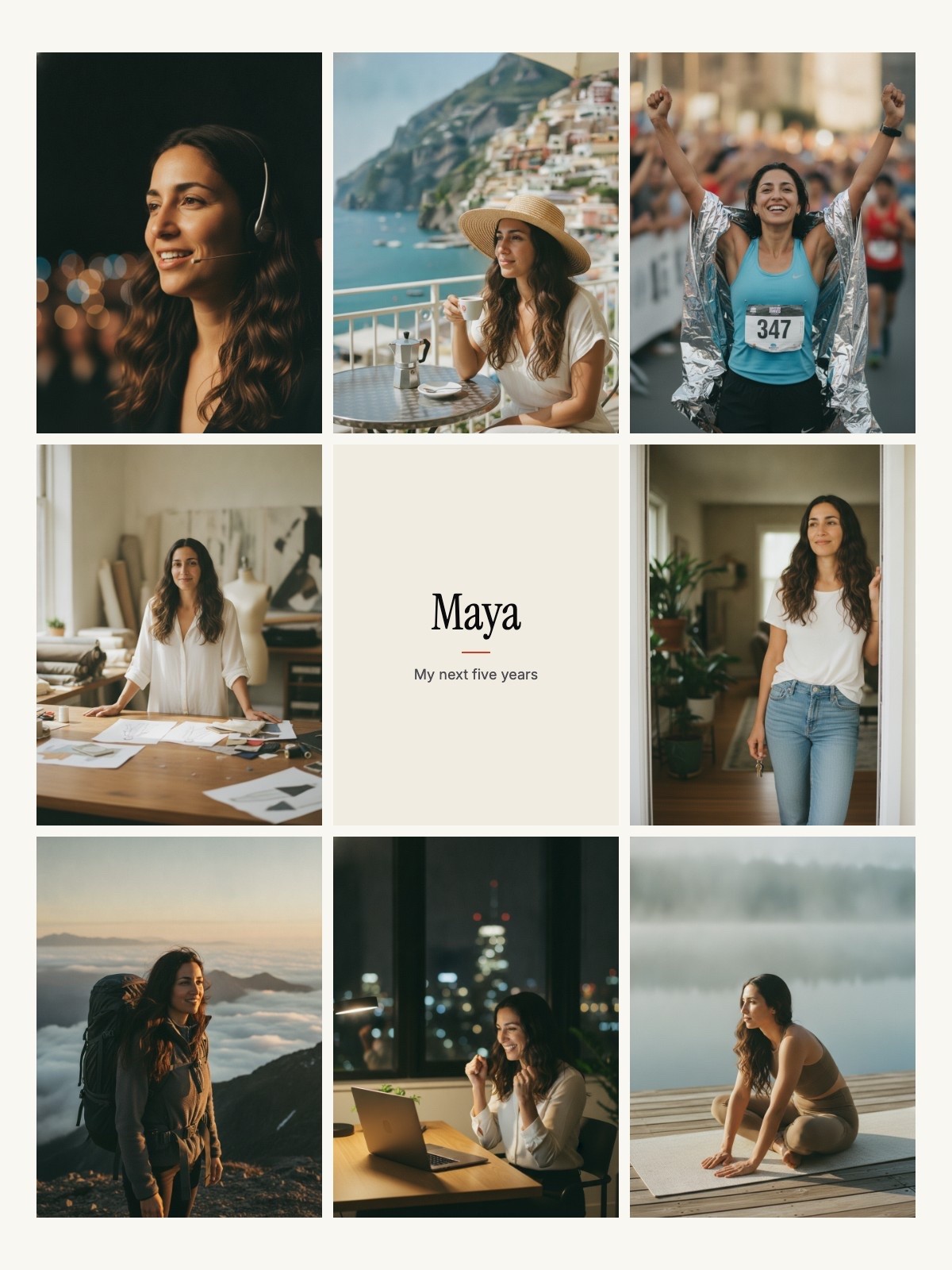
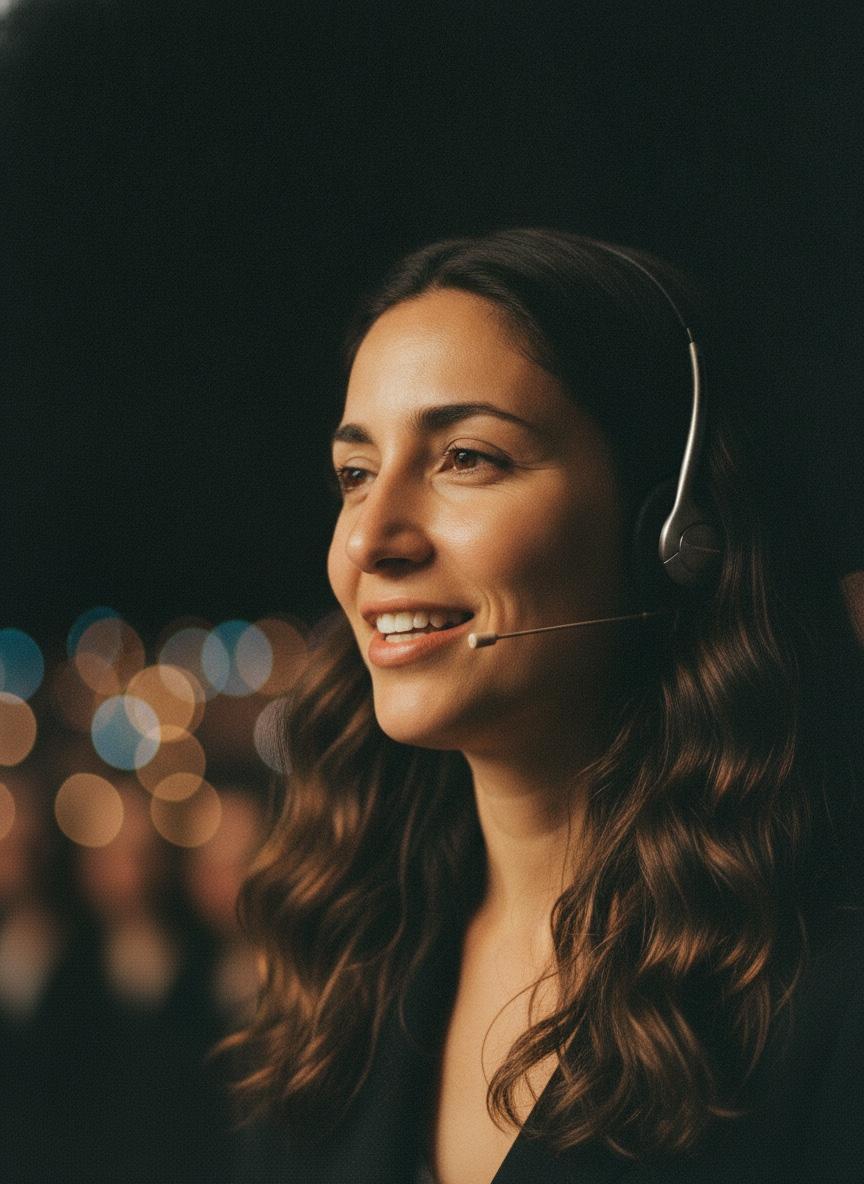
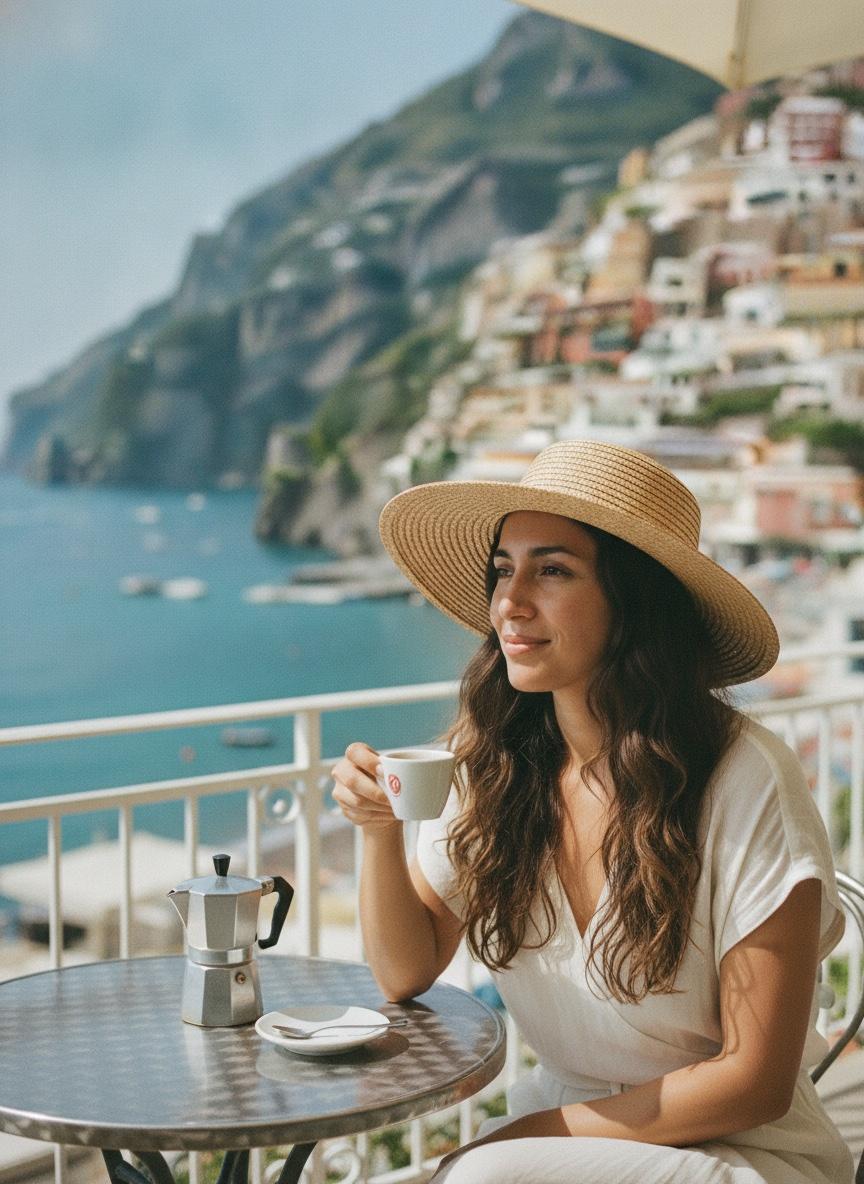

Five steps to a board that works on Pinterest
- Pick one idea. A board that tries to hold everything pins badly. Choose one theme, such as the year ahead, a move, a career change or a healthier life.
- Use images with you in them. A board of strangers’ photos is easy to scroll past. Scenes with your own face make it yours, and make you want to look again.
- Make it tall. Save the board as a vertical image, 2:3, so it takes up the feed on a phone.
- Add a short title. Three to five words on the image, added in Canva or any editor, say what the board is before anyone taps.
- Pin it, then look at it. Save it to a board with a clear name. A vision board only works if you see it often, so keep it where you will.
Pinterest and Canva, side by side with FutureSelf
Pinterest is where you collect and share. Canva is where you lay out text and shapes. FutureSelf makes the pictures themselves: photoreal scenes of your future with your real face. Download the board, add a title in Canva if you like, and pin it.
Questions people actually ask
How do I make a vision board for Pinterest?
Decide what you want the board to show, make one tall image of it, and save it as a pin. With FutureSelf you upload one photo of yourself and get photoreal scenes of that life with your real face, designed as one board. Your first scene is free.
What size should a Pinterest vision board be?
Pinterest recommends vertical pins with a 2:3 ratio, for example 1000 by 1500 pixels. A tall image fills more of the feed than a square or a wide one.
Can I use my board in Canva?
Yes. Download your board as an image. It is yours to use in Canva or any editor if you want to add text, a title or a border before you pin it.
Should my Pinterest vision board be public or secret?
It is your choice. A secret board is only visible to you, which suits a personal board. A public board can be found by others. You can change it later in your Pinterest board settings.