


Quick Answer
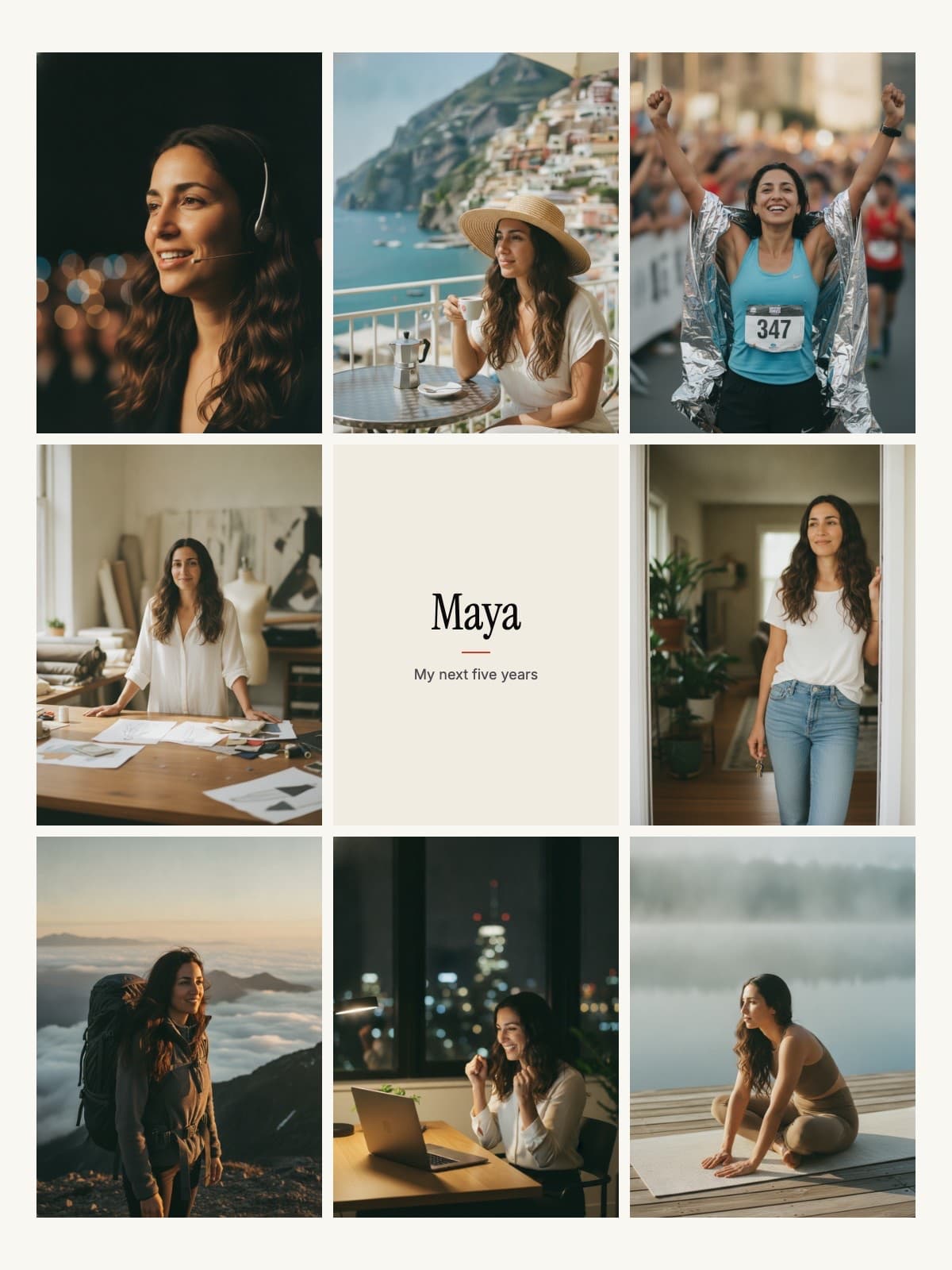
Best free templates: Classic 9-Grid (beginners), Wheel of Life (holistic), Phone Wallpaper (daily viewing). For AI-powered personalized boards, use FutureSelf.ai to generate images of yourself achieving your goals.
How to Choose the Right Template
The best vision board template depends on your goals and how you plan to use it:
Printable Templates
Best if you want a physical board to hang on your wall. Cut out images from magazines and paste them on.
Digital Templates
Best for phone/desktop wallpapers. Easy to update and always accessible.
AI-Generated Boards
Best for personalized visualization. AI creates images of YOU in your future scenarios.
10 Best Vision Board Templates
Classic Grid Layout
Print layout9-square grid perfect for beginners. Equal space for each life area.
Best for: Balanced goal setting
Wheel of Life
Print layoutCircular design with 8 life categories radiating from center.
Best for: Holistic visualization
Vision Statement Focus
DigitalLarge central text area surrounded by supporting images.
Best for: Affirmation-focused boards
Aesthetic Minimalist
Canva TemplateClean white space with 5-6 curated images. Modern feel.
Best for: Instagram-worthy boards
Cork Board Style
DigitalRealistic cork texture with pinned photos and notes.
Best for: Traditional look digitally
Magazine Collage
Print layoutOverlapping, chaotic style like magazine cutouts.
Best for: Creative expression
Timeline Vision Board
DigitalLeft-to-right timeline showing goals by 1yr, 5yr, 10yr.
Best for: Long-term planning
Phone Wallpaper
DigitalVertical 9:16 format optimized for phone lock screens.
Best for: Daily mobile viewing
Desktop Background
Digital16:9 widescreen format for computer wallpaper.
Best for: Office inspiration
Polaroid Memories
DigitalScattered polaroid-style frames on a textured background.
Best for: Personal, nostalgic feel
Templates vs. AI Generation
| Feature | Templates | AI (FutureSelf) |
|---|---|---|
| Price | Free | $4.90 |
| Personalization | Stock photos | YOUR face in scenarios |
| Time to create | 1-2 hours | 5 minutes |
| Emotional impact | Medium | High |
Ready to Create Your Vision Board?
Turn your dreams into reality with an AI-powered vision board featuring YOUR face in 8 future scenarios.
Start Creating Now - Only $4.90Frequently Asked Questions
What size should a vision board be?
For physical boards, 18x24 inches is popular. Digital boards should match your device: 9:16 for phones, 16:9 for desktops.
Can I edit templates in Canva?
Yes! Many templates are Canva-compatible. Upload the template and add your own images and text.
Related Articles
Why Your Vision Board Didn't Work
Feel like you tried manifesting and nothing happened? Discover the 3 neuroscience mistakes that block vision board results and how AI can fix them.
Read Entryarrow_forwardState of Vision Boards 2026
The annual state-of-the-niche report. Cultural trends, peer-reviewed research, and an honest analysis of what AI vision boards are changing in 2026. Cited and citable.
Read Entryarrow_forwardVision Board for Career Success
A career vision board with your own face in the role you want: what to put on it and how to use it.
Read Entryarrow_forward