
How to Make an Aesthetic Vision Board Wallpaper (That Actually looks Good)
Self-reported phone checks run to roughly 186 a day (a 2025 survey of about 1,000 US adults - self-reported, and the figure moves year to year). Every one of them is either a chance to remind yourself where you're going, or a distraction. Your lock screen decides which.
A vision board wallpaper is the highest-ROI productivity hack you can set up in under 5 minutes. It turns your lock screen into a constant reminder of who you are becoming. But getting it to look *aesthetic* (and not like a messy collage) can be tricky.
The "Digital Clutter" Problem
Most vision board apps just let you slap photos onto a grid. The result? A messy, crowded screen that actually increases your anxiety every time you unlock your phone. For a wallpaper to work, it needs to be:
- Clean: It shouldn't obscure your clock or widgets.
- Personal: It needs to trigger an emotional response (Mirror Neurons).
- High Resolution: Pixelated Pinterest screenshots kill the vibe.
Step-by-Step Guide (The 2026 Method)
Step 1: Choose Your Core "Vibe"
Don't try to fit your entire life onto one screen. Pick a theme.
- The "Chief Energy" Board: Focus on career, money, and office aesthetics.
- The "Wellness" Board: Focus on yoga, green juices, and skincare.
- The "Love" Board: Focus on romance, dates, and connection.
Step 2: Generate Personalized Visuals
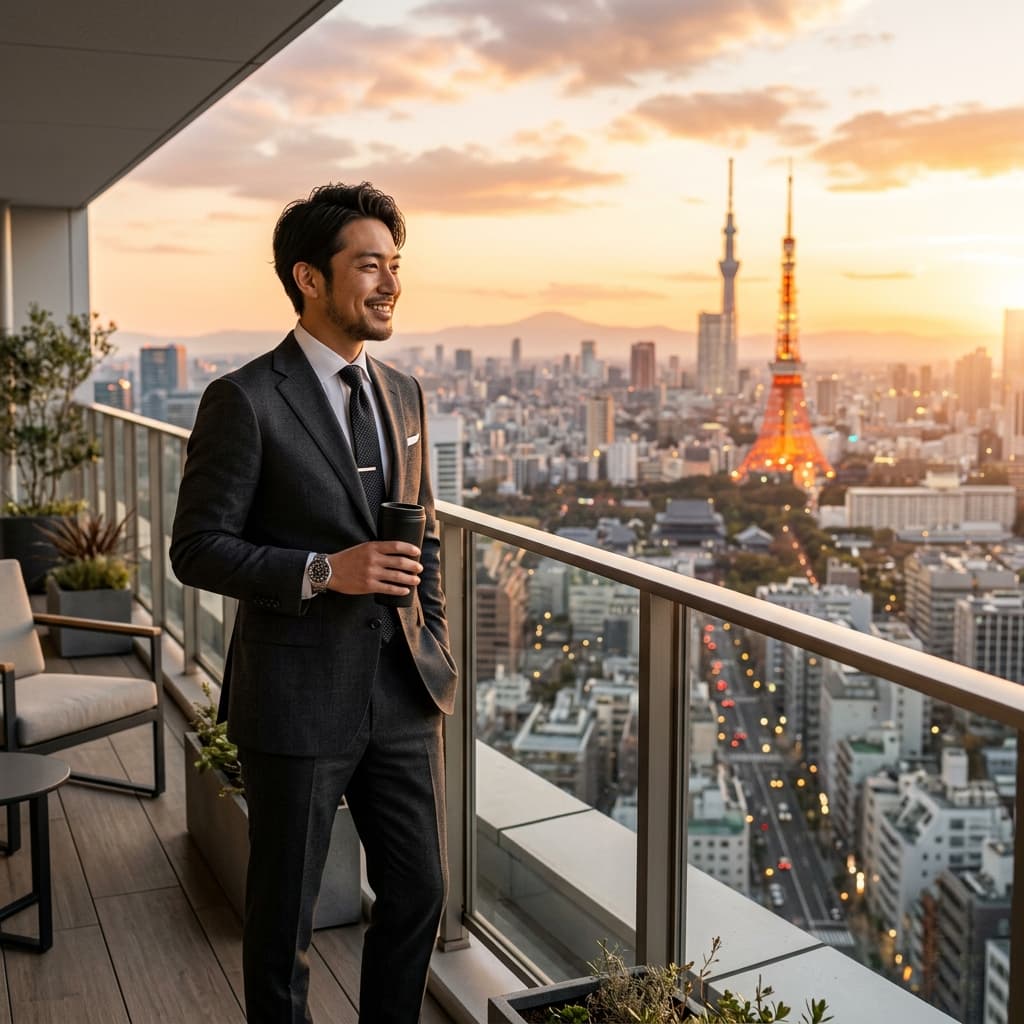
This is where we swap stock photos for magic. Use FutureSelf AI to generate 4-5 key images for your theme."A photorealistic image of ME working in a corner office in NYC with a view of the skyline."
Step 3: The "9:16" Layout Rule
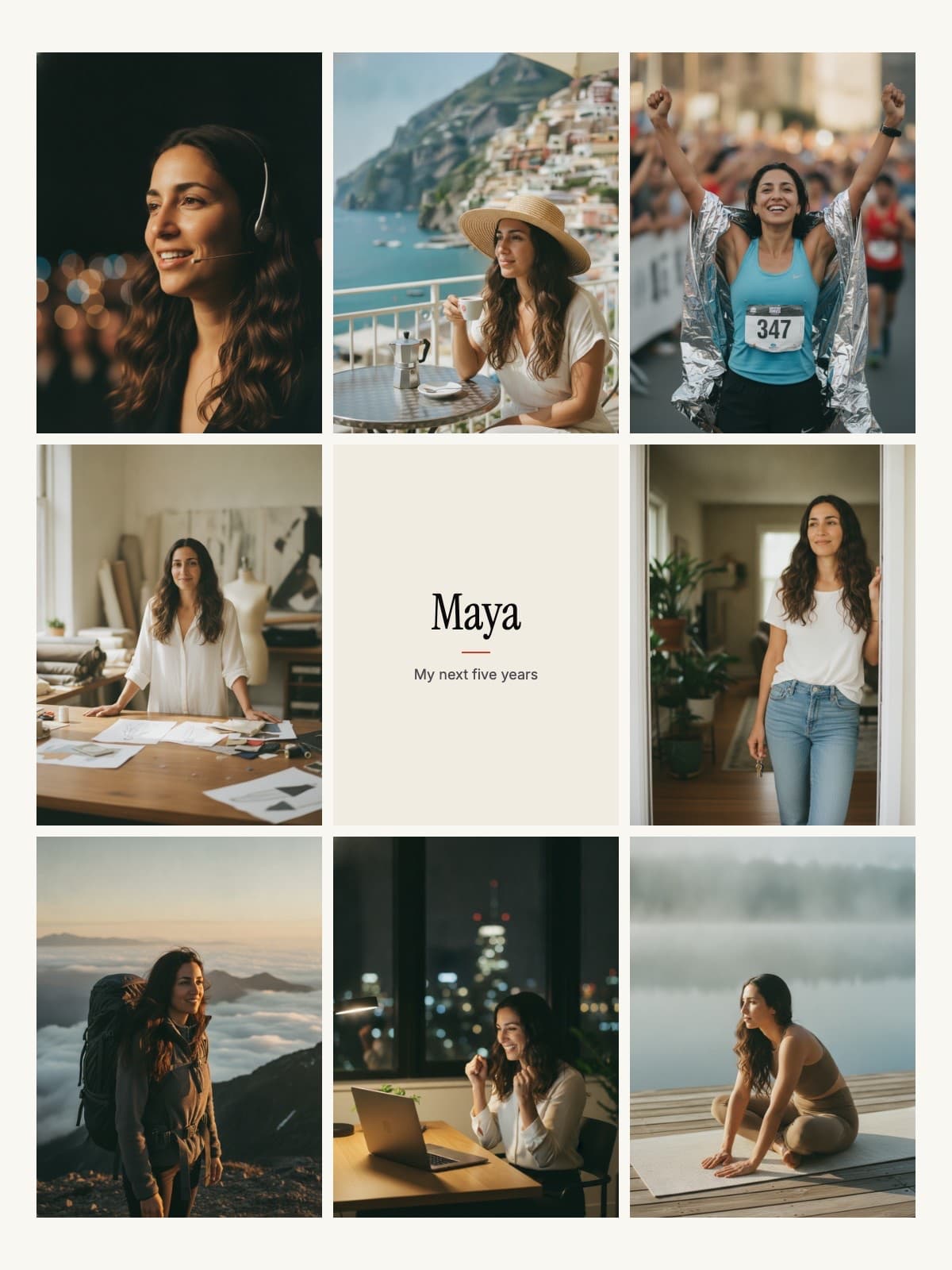
Phones are tall. Most collages are square. You need to arrange your images vertically. FutureSelf makes your board in a phone size (a 3x3 grid with your name card in the middle) as well as a desktop size, so it fits a lock screen without cropping.
Step 4: Add One "Power Word"
Less is more. Add a single word in a clean font (like 'Review' or 'Focus' or 'Breathe') in the center. This acts as an anchor for your attention.
Desktop Wallpapers & Widgets
Don't stop at your phone. Use the same assets to create a desktop background. On Mac, use the "Shuffle" feature to cycle through your FutureSelf generated images every hour. It keeps the dopamine fresh and prevents "banner blindness."
Make It Now
Stop scrolling TikTok and spend the next 5 minutes designing the screen you'll look at for the rest of the year. Your future self is waiting on the other side of that lock screen.
Create Your Wallpaper
One selfie, eight scenes, laid out in a phone size for your lock screen. About five minutes; first scene free.
Design My Wallpaper